Creative coding lab
Creative Coding and Interactive Media Art at Demos Lab
Demos Lab is an independent home for creative coding and interactive media art. It covers the tools, techniques and ideas behind work that responds to code, sound, light and people. The site is written for artists learning to program, developers moving toward art, and anyone curious how generative visuals and interactive installations actually get made.
Generated fresh every day
Sketch of the Day
Saturday: Drifting Truchet Arcs
A grid of Truchet tiles, each holding two quarter circles, forms a winding maze. Random tiles turn a quarter step and ease into place while Perlin noise slowly shifts the colours across the grid.
Seed20261107
The seed is today's date, so this sketch draws a new piece every day and never repeats.
Change S from 40 to 32 for a denser maze, or raise strokeWeight to 12 so the arcs merge into blobs.
const SEED = 20261107; // today's date as YYYYMMDD
const REDUCED = matchMedia('(prefers-reduced-motion: reduce)').matches;

// Saturday tiles: Truchet arcs that turn and ease into new paths
const S = 40;
let cols, rows;
let tiles = [];
let pal = [];

function setup() {
  createCanvas(640, 480);
  randomSeed(SEED);
  noiseSeed(SEED);
  cols = width / S;
  rows = height / S;
  // Pick three palette colours with the seeded random()
  const all = ['#ff6b5e', '#8b5cf6', '#3ee0d0', '#ffc857', '#f4f1ea'];
  while (pal.length < 3) {
    pal.push(color(all.splice(floor(random(all.length)), 1)[0]));
  }
  // Each tile stores a turn count and its current eased angle
  for (let i = 0; i < cols * rows; i++) {
    const s = floor(random(4));
    tiles.push({ s: s, a: s * HALF_PI });
  }
  noFill();
  strokeCap(ROUND);
  // Reduced motion: the seeded grid is already a finished still
  if (REDUCED) noLoop();
}

function draw() {
  background('#0c0b12');
  const t = frameCount * 0.004;
  // Every other frame, turn one random tile a quarter step
  if (!REDUCED && frameCount % 2 === 0) {
    const pick = random(tiles);
    pick.s += random() < 0.5 ? 1 : -1;
  }
  strokeWeight(6);
  for (let i = 0; i < tiles.length; i++) {
    const tile = tiles[i];
    const x = (i % cols) * S + S / 2;
    const y = floor(i / cols) * S + S / 2;
    // Ease the angle toward its target turn
    tile.a = lerp(tile.a, tile.s * HALF_PI, 0.12);
    // Smooth colour from noise drifting across the grid
    const n = constrain(map(noise(x * 0.004, y * 0.004, t), 0.3, 0.7, 0, 2), 0, 2);
    const c = n < 1 ? lerpColor(pal[0], pal[1], n) : lerpColor(pal[1], pal[2], n - 1);
    stroke(c);
    push();
    translate(x, y);
    rotate(tile.a);
    // Two quarter circles in opposite corners make the Truchet tile
    arc(-S / 2, -S / 2, S, S, 0, HALF_PI);
    arc(S / 2, S / 2, S, S, PI, PI + HALF_PI);
    pop();
  }
}
Browse by section
p5.js & Processing
This hub gathers Demos Lab's coverage of p5.js and Processing, the open-source tools that let artists,…
2 guidesTouchDesigner
TouchDesigner is Derivative's node-based visual programming environment for real-time graphics, installations and live visuals. This hub…
2 guidesGenerative Art & Shaders
This hub collects Demos Lab's guides to making art with code, from the algorithms and noise…
2 guidesInstallations & Projection
This hub collects Demos Lab's guides to digital art built for physical space: projection mapping onto…
1 guidePhysical Computing
Physical computing is where code leaves the screen and starts sensing, reacting to and moving things…
2 guidesCreative Coding Tools
Creative coding tools turn code into a medium for images, sound and interaction. This hub compares…
1 guideNew Media Art
Demos Lab's New Media Art hub covers the people, events and ideas behind art made with…
2 guidesWhich creative coding tool fits your project?
These seven tools fall into two groups: libraries where you write code, and node-based environments where you connect boxes visually. The table compares the language, cost and best use of each.
| Tool | Language or style | Free or paid | Best for |
|---|---|---|---|
| p5.js | JavaScript library, runs in the browser | Free, open source | Beginners, web sketches, teaching |
| Processing | Java-based sketchbook IDE | Free, open source | Learning to code, generative art, print work |
| TouchDesigner | Node-based, Python scripting | Free non-commercial (1280x1280 cap); Commercial $600, Pro $2,200 | Installations, projection mapping, live visuals |
| openFrameworks | C++ toolkit | Free, open source (MIT) | High-performance installations, hardware, computer vision |
| three.js | JavaScript 3D library (WebGL, WebGPU) | Free, open source (MIT) | Interactive 3D on the web |
| vvvv | Node-based, .NET (Windows) | Free non-commercial; paid license for commercial use | Large media environments, sensors, real-time graphics |
| Hydra | Browser live coding, modular-synth style | Free, open source | Live-coded video synthesis, VJ sets |
Bottom line: If you're just starting, begin with p5.js. Move to TouchDesigner or vvvv for installation work, and budget for a license once a client is paying.
Live sketch gallery
Real sketches from our tutorials, running right here.
Start here
 Featured
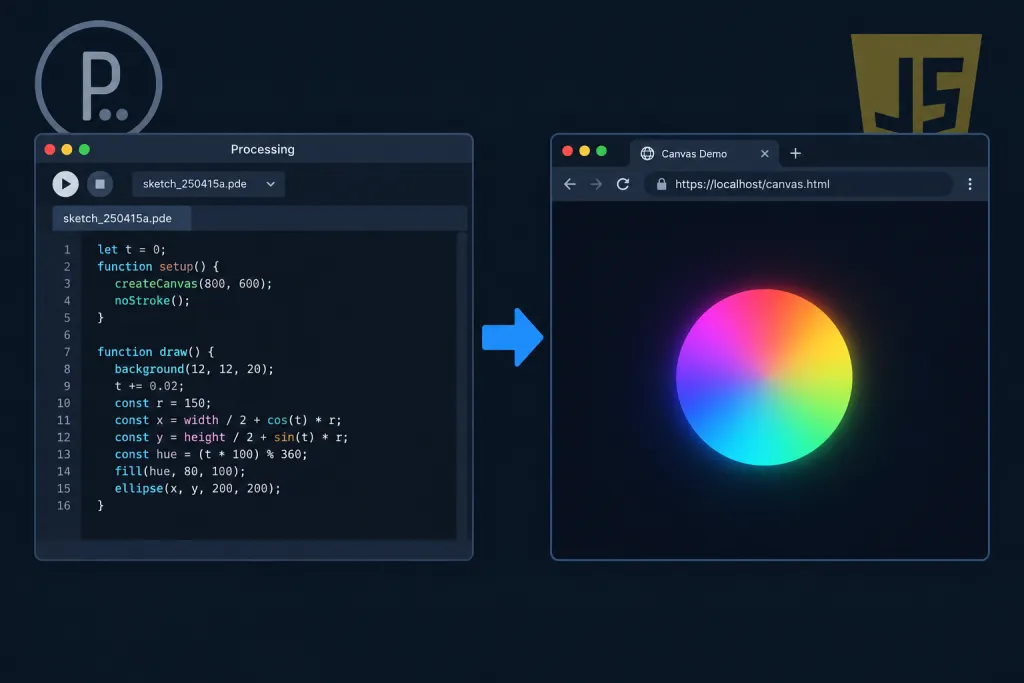
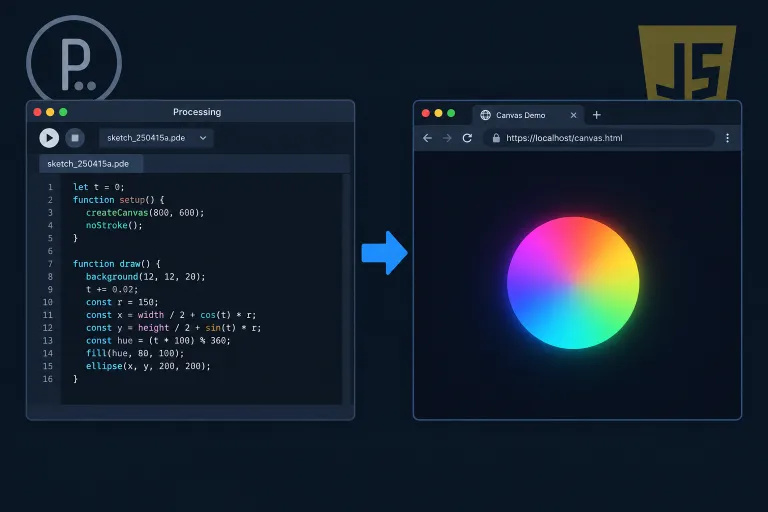
How JavaScript Mode Works in Processing and What Replaced It
JavaScript Mode was an option in the Processing editor that ran your sketch in a web browser instead of the Java runtime. It worked by handing your .pde code to Processing.js, a library that…
Read guideMake Your First Generative Sketch in p5.js
The p5.js Web Editor runs entirely in your browser, so you can go from a blank page to evolving generative art in about five minutes with nothing to install.
- Open the editor: Go to editor.p5js.org. A starter sketch loads with
setup(), which callscreateCanvas(400, 400), anddraw(), which callsbackground(220). You can run code without an account. - Run the starter code: Press the Play button or use Ctrl+Enter (Cmd+Enter on Mac). A plain grey square appears in the preview pane.
- Add randomness: Move
background(220)intosetup()so frames build on each other. Then addfill(random(255), random(255), random(255), 80)andcircle(random(width), random(height), random(10, 60))insidedraw(). - Watch it grow and tweak it: Run the sketch again. Translucent circles now pile up into a new composition every time you run it. Try
noStroke(), different size ranges, orframeRate(10)to see how each choice changes the result. - Save and export: Create a free account to save the sketch to your library and share it. To download a still image, call
saveCanvas('my-sketch', 'png')fromkeyPressed()and press a key while the sketch runs.
Creative Coding Terms Explained in Plain Language
These are twelve terms you will meet in almost every creative coding tutorial.
- Sketch
- A small creative coding program; Processing and p5.js use the word because their projects are meant to be quick and experimental.
- Canvas
- The drawing surface your code paints onto, such as the HTML canvas element or a Processing window.
- Draw loop
- A function, like draw() in p5.js and Processing, that repeats continuously to redraw the canvas and create animation.
- Frame rate
- How many times per second the screen updates, measured in frames per second; p5.js targets 60 by default.
- Perlin noise
- An algorithm Ken Perlin developed in the early 1980s that generates smooth, natural-looking randomness for terrain, texture and motion.
- Vector
- A value with direction and magnitude, stored as x, y (and sometimes z) components to represent position, velocity and forces.
- Shader
- A small program that runs on the GPU and processes vertices or pixels in parallel for fast visual effects.
- GLSL
- The OpenGL Shading Language, a C-like language for writing shaders that runs in both OpenGL and WebGL.
- Particle system
- Many small elements, each with its own position, velocity and lifespan, animated together to simulate smoke, fire or swarms.
- Flow field
- A grid of vectors, often derived from Perlin noise, that steers particles into flowing, swirling paths.
- Generative art
- Art produced by a rule-based system, usually code, that runs with some autonomy, so the output can vary each time.
- Projection mapping
- Projecting video onto physical surfaces like buildings or sculptures, with the image warped to fit their shape.
Latest experiments
Frequently asked questions
What is creative coding?
Creative coding means writing software to make something expressive, like generative art, visuals that react to sound, or interactive installations. The code is part of the creative work itself. Common tools include p5.js, Processing, TouchDesigner, openFrameworks and shader languages such as GLSL.
Which version of p5.js should beginners learn?
Learn version 2. After more than a year of testing, the team switched the p5.js Editor to use 2.x latest as the default version at the end of July 2026. The 2.x releases added support for variable fonts, beginner-friendly shaders that can be written in JavaScript rather than GLSL, new color modes (including OKLCH).
Is TouchDesigner free?
It's free for unpaid work. The Non-Commercial edition costs nothing, but image resolution is limited to 1280x1280. Paid jobs need a paid license. TouchDesigner Price · No Charge · $300 USD · $600 USD · $2200 USD covers the Non-Commercial, Educational, Commercial and Pro tiers.
Can I use TouchDesigner Non-Commercial for a client project?
No. Derivative says if you or your organization are compensated for your work with TouchDesigner, you must have a Commercial or Pro license. The Educational license is no help here either, since it has the same features as Commercial, but only for non-commercial uses.
Should I use p5.js or TouchDesigner for an interactive installation?
Use p5.js for browser-based pieces, quick prototypes and work you want to share with a link. Pick TouchDesigner for gallery or event installations that combine projectors, cameras, sensors and live video. It's a node based visual programming language for real time interactive multimedia content, and it handles that kind of setup better.
What computer do I need to run TouchDesigner?
On a Mac, you'll need macOS 13 (Ventura) or higher, and Derivative highly recommend a Mac with Apple Silicon for TouchDesigner. For Intel-based Macs a model with a discrete AMD GPU is required. It also runs on Windows. For heavy installation work, the graphics card matters more than anything else in the machine.
Tools we cover
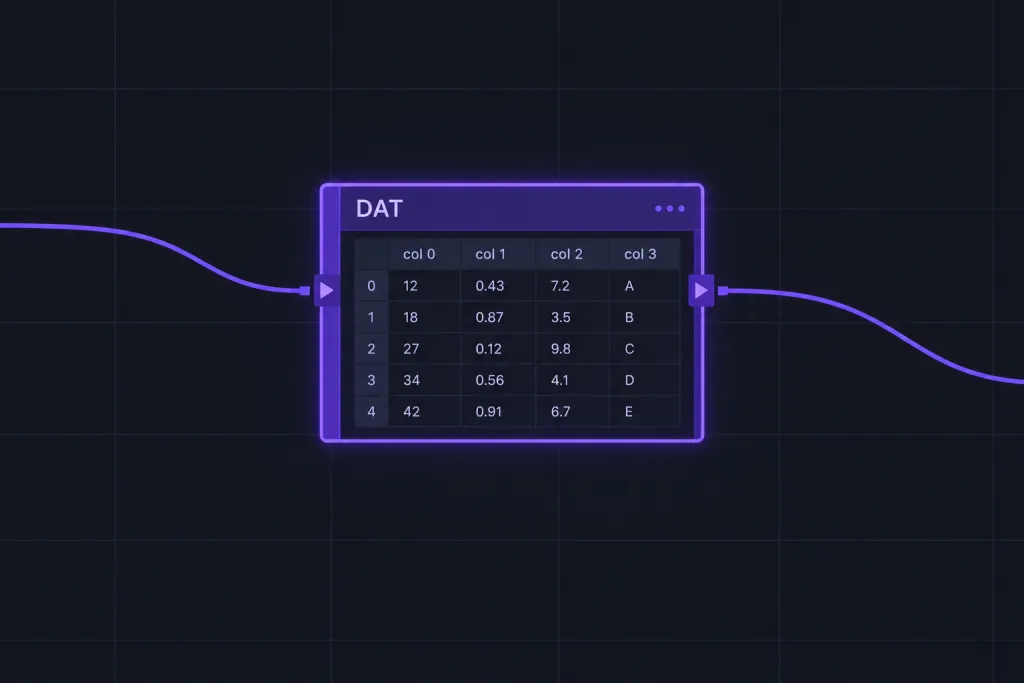
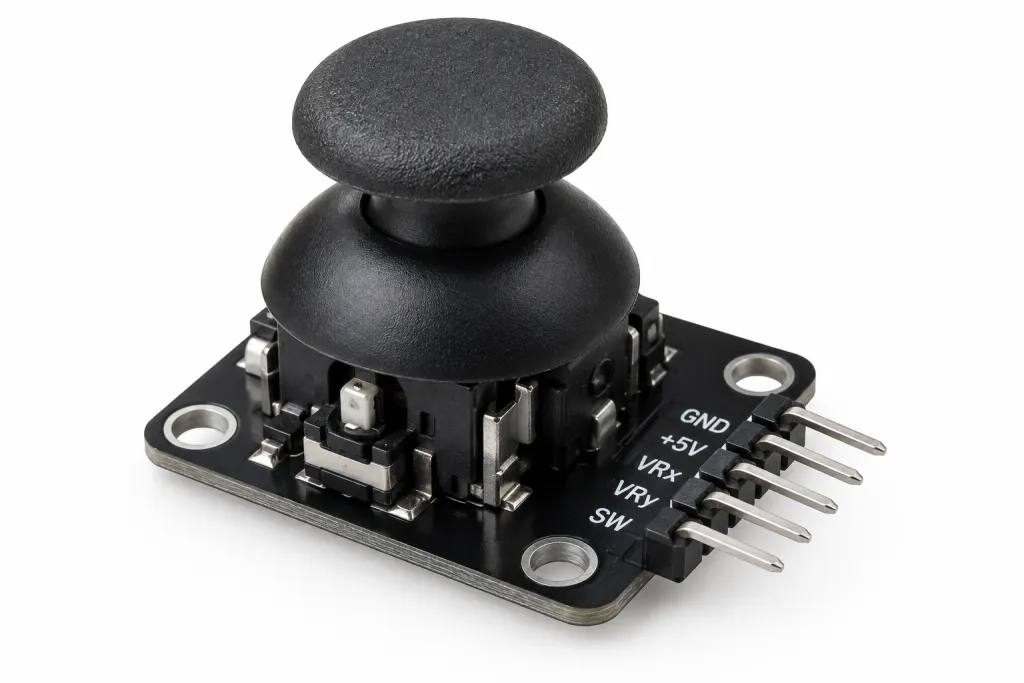
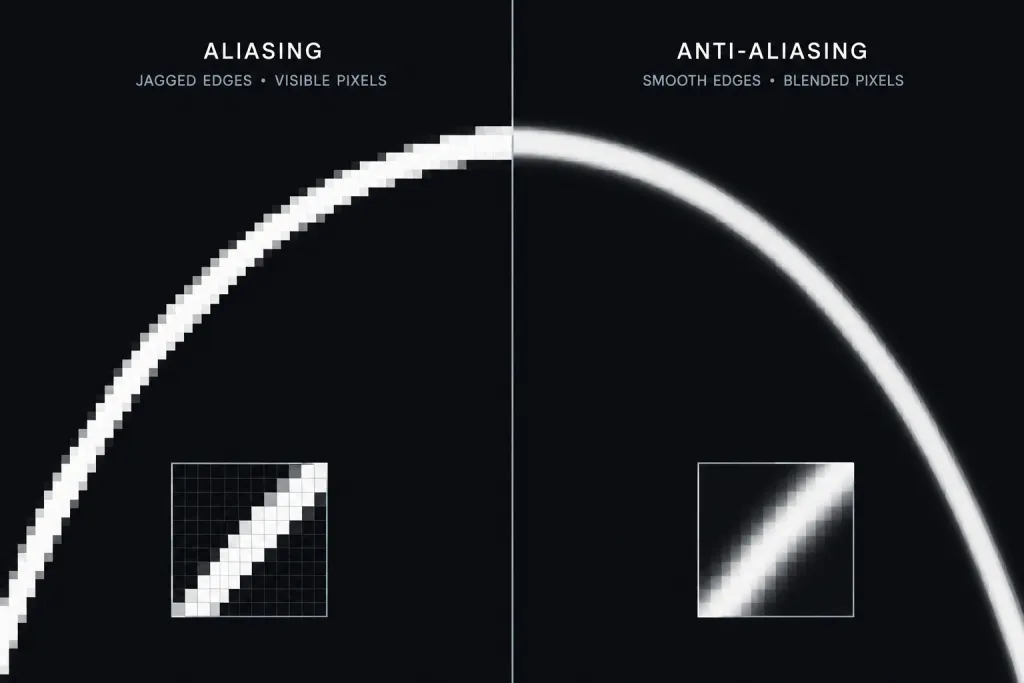
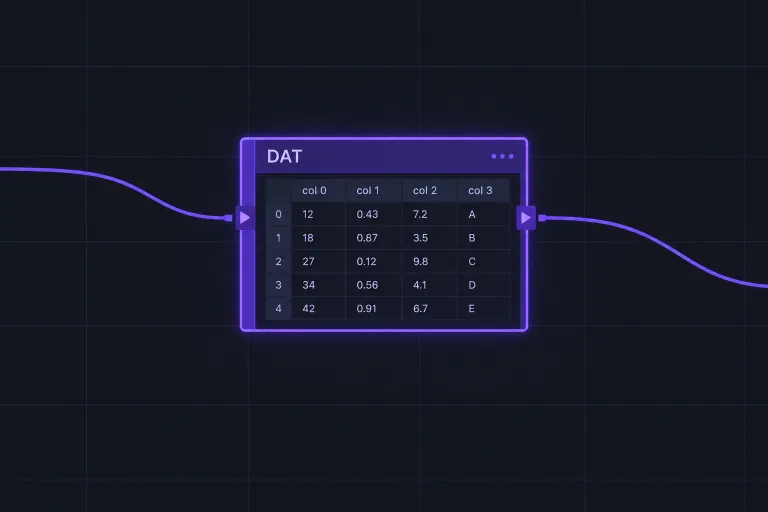
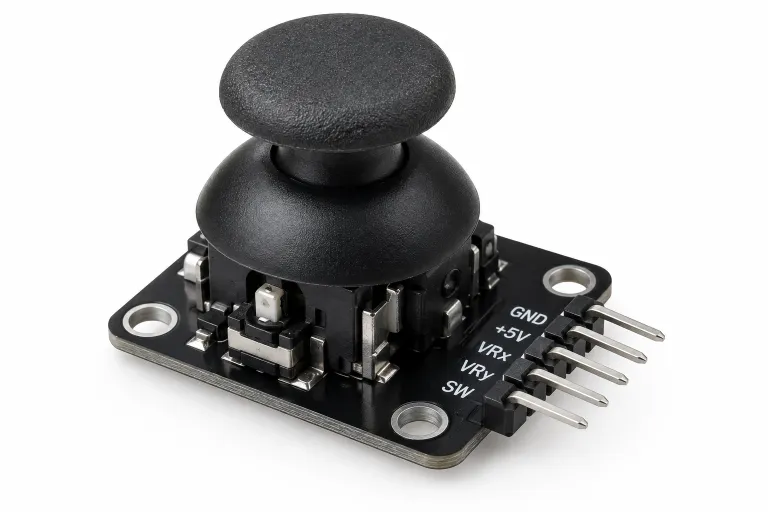
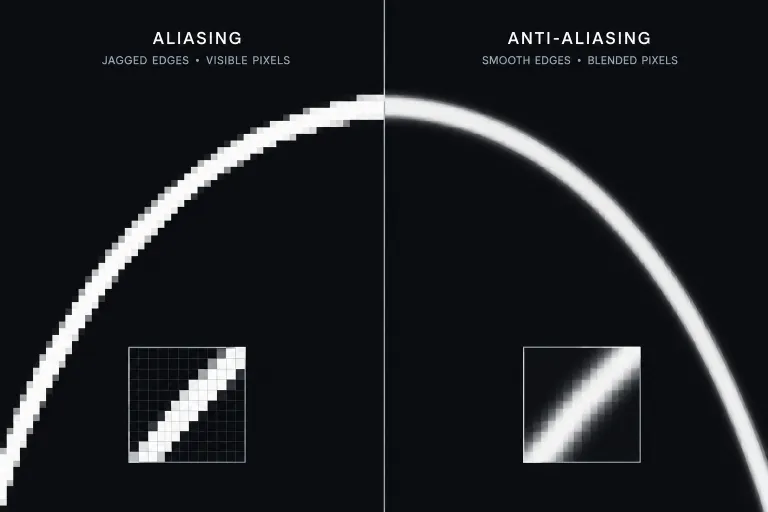
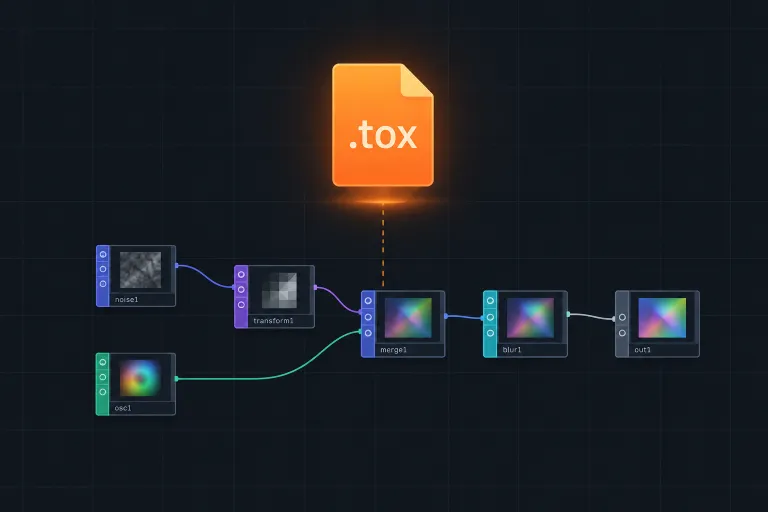
createCanvas()Latest: How JavaScript Mode Works in Processing and What Replaced ItProcessingvoid draw()Latest: How JavaScript Mode Works in Processing and What Replaced ItTouchDesignerTOP · CHOP · SOPLatest: What a DAT Is in TouchDesigner and What DAT Stands ForShadersGLSL fragmentsLatest: Antialiasing Techniques Explained for Real Time GraphicsProjection mappingwarp · blend · maskLatest: What projection mapping is and why artists use itPhysical computingsensors · ArduinoLatest: Analog Joysticks Explained for Custom Controllers and Arduino